Contacts
Contacts feature allows to store and use shared contact information, such as maintenance companies or customers. Contact details can be used in tasks like maintenance work and reservations, so you don’t need to enter the same information every time.
This feature is an additional setting. To activate this feature, please contact Trail: support@trail.fi.
Topics:
Using Contacts
- Creating a new contact requires editor rights for either the Maintenance or Reservations module.
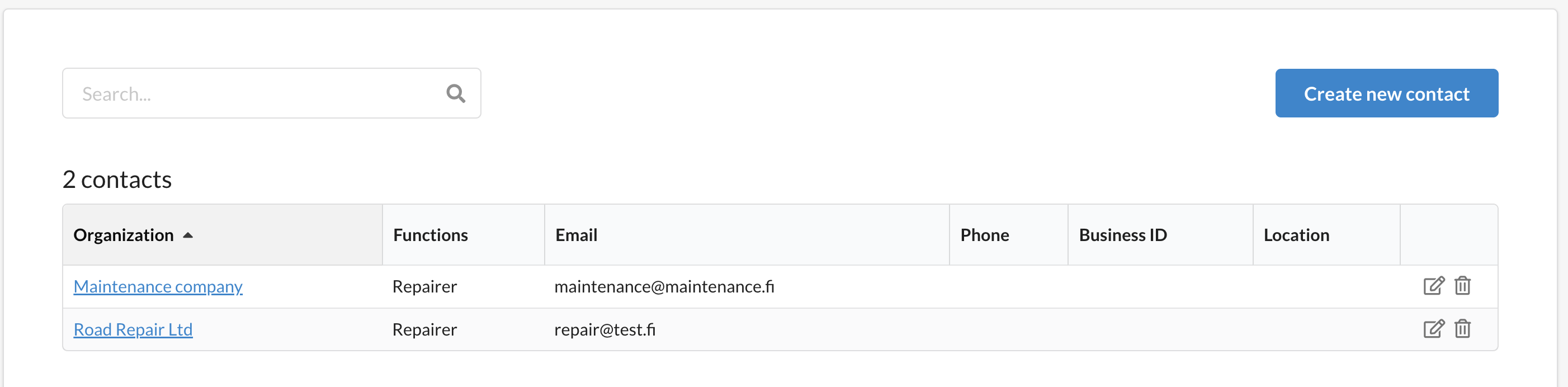
- The Contacts page is available in both modules:
- Maintenance companies can be found under the Maintenance module.
- Customers can be found under the Reservations module.
- When creating a new contact, it is automatically saved under the module whose contact type (function) was selected during creation.
Creating a new contact
- Open Contacts.
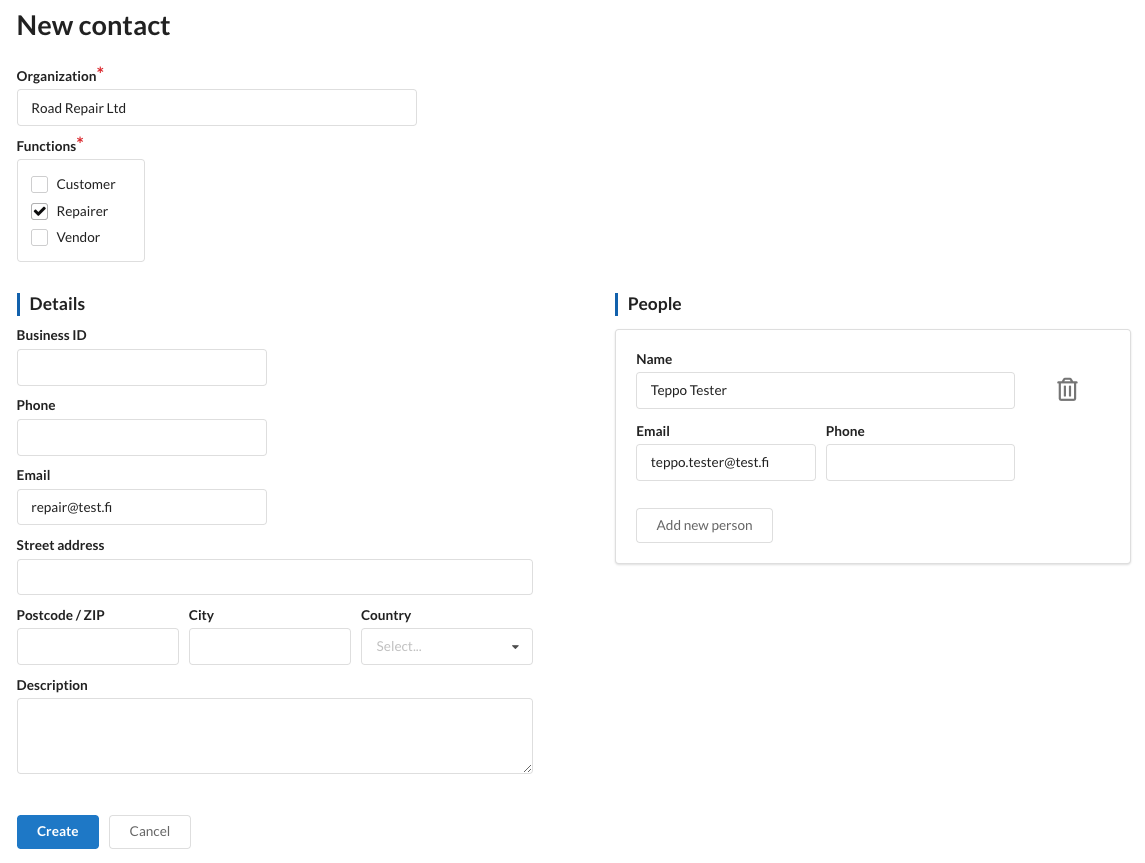
- Click Create new contact
- Enter the contact details, such as:
- Company
- Functions (e.g., maintenance company or customer)
- Click Create.
- The contact is saved and immediately available.
Using contacts in maintenance
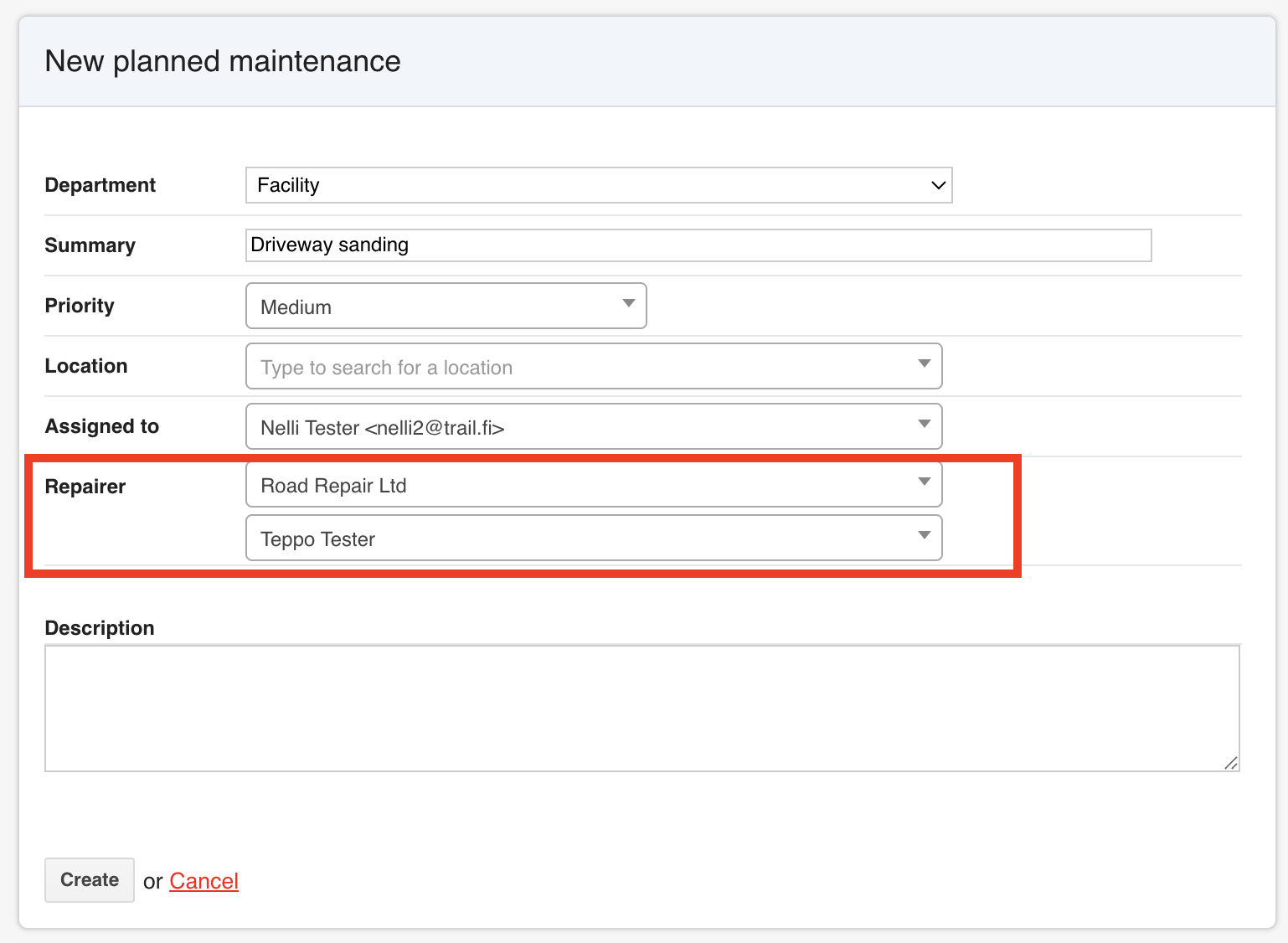
Contact can be selected as the responsible company for maintenance task. This helps to ensure consistent contact information across the organization.
If a maintenance request was created earlier, the maintainer or maintenance company can be added later from the Edit view of the maintenance task.
Using contacts in reservations
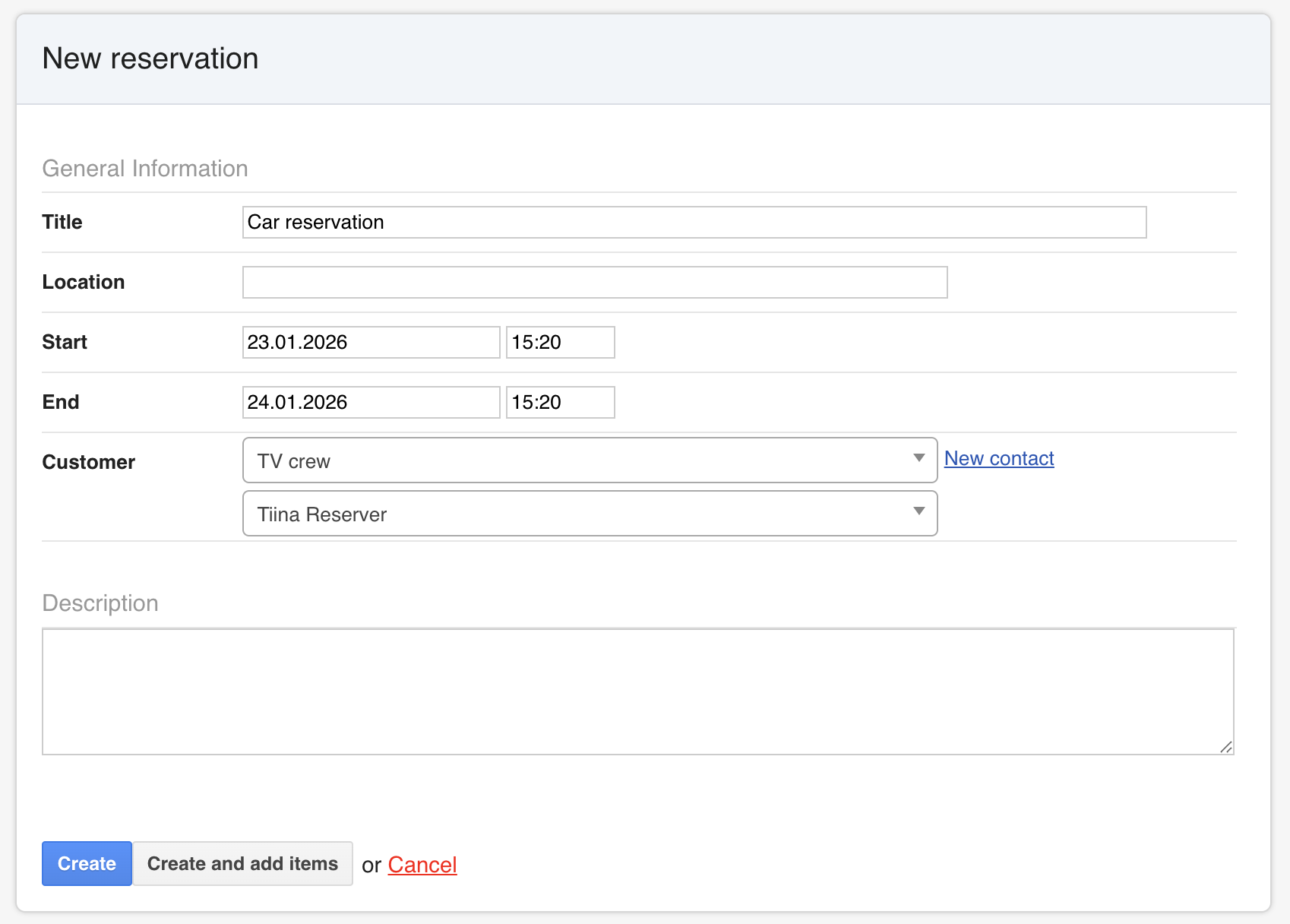
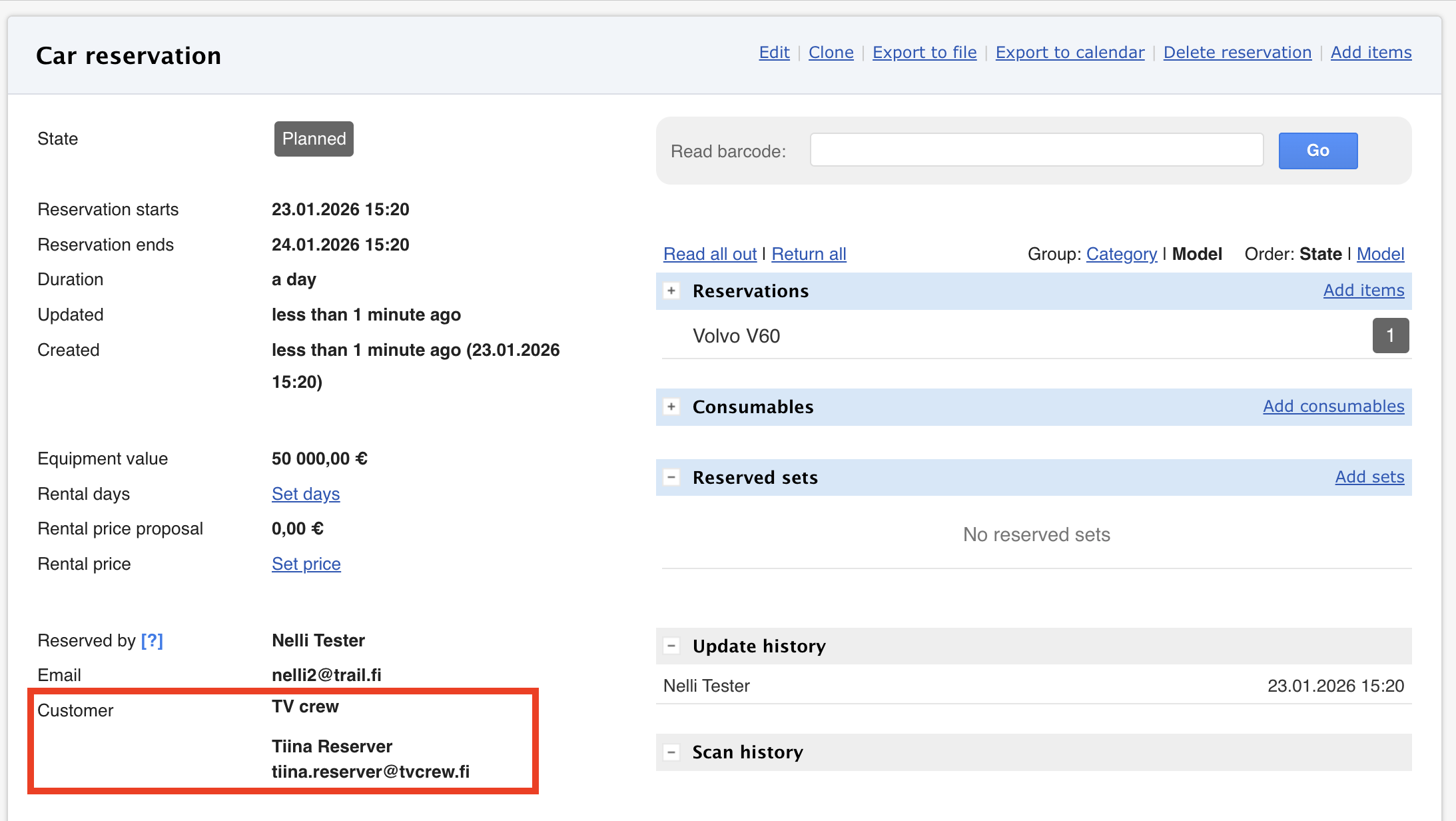
When creating a reservation, you can define whether the reservation is assigned to a specific customer. You can choose either:
- Only the customer or
- A specific person under the customer.
A separate message is not automatically sent to the customer upon reservation creation.
With the Export to file function, a summary of the reservation can be downloaded and sent separately to the customer.