
Widget: Create a new item
With the Create a new item widget you can add a new item to Trail straight from the homepage.
It saves time when you add items often, because you don't need to go to the separate item creation page.
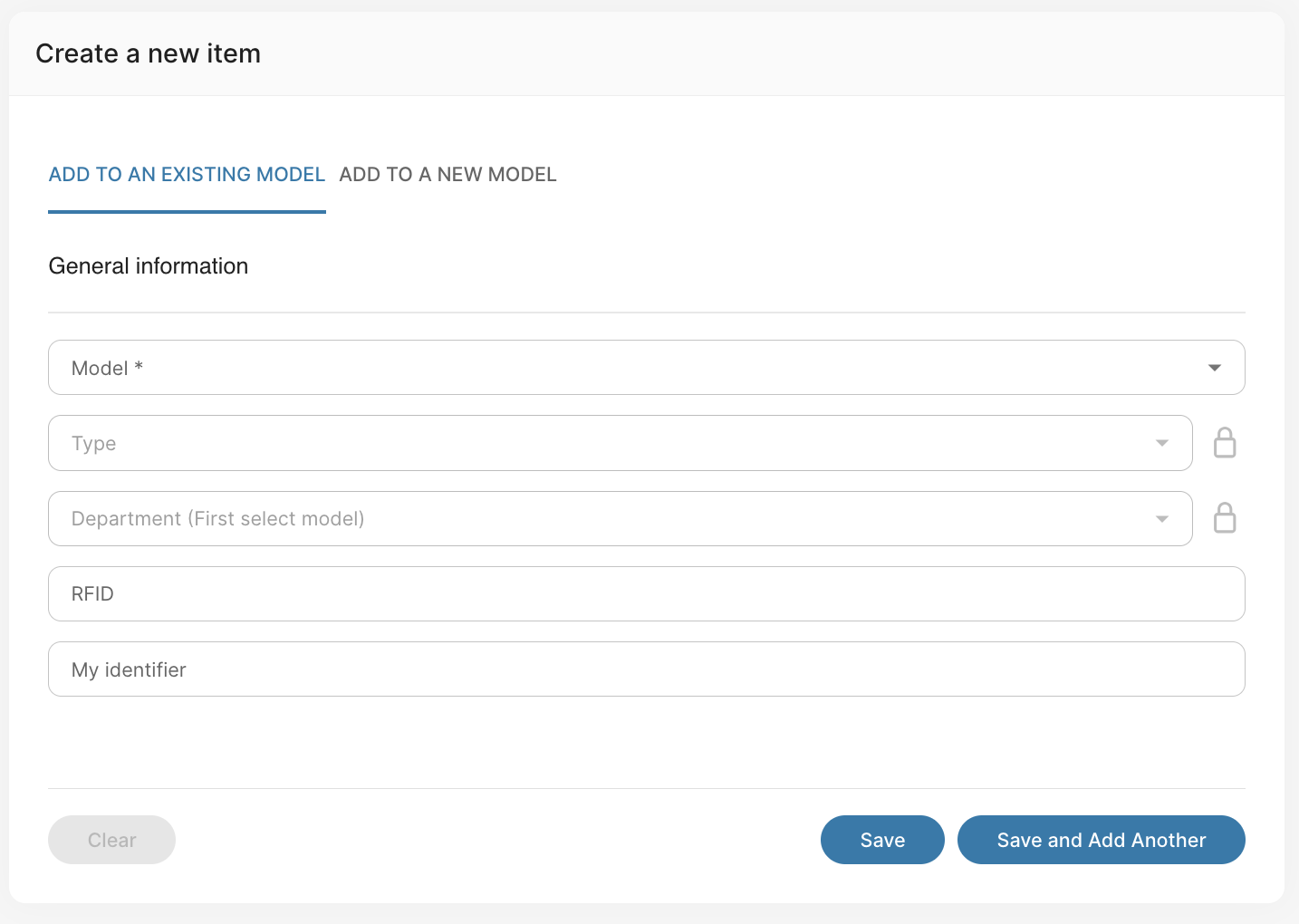
How the widget works
- Fill in the item's information in the widget's fields.
- Select either:
- Add to an existing model – for when the item's model already exists in Trail. The model's category and item type are already linked.
- Add to a new model – the item's model does not exist yet.
- When you start entering information, the widget expands and asks for additional information about the item.
- Click Create.
For more detailed instructions on creating an item: Creating a new item