
Widget: Create a new reservation
With the New reservation widget you can make a new reservation straight from the homepage.
It speeds up your work when you make reservations often, because you don't need to open the Reservations page.
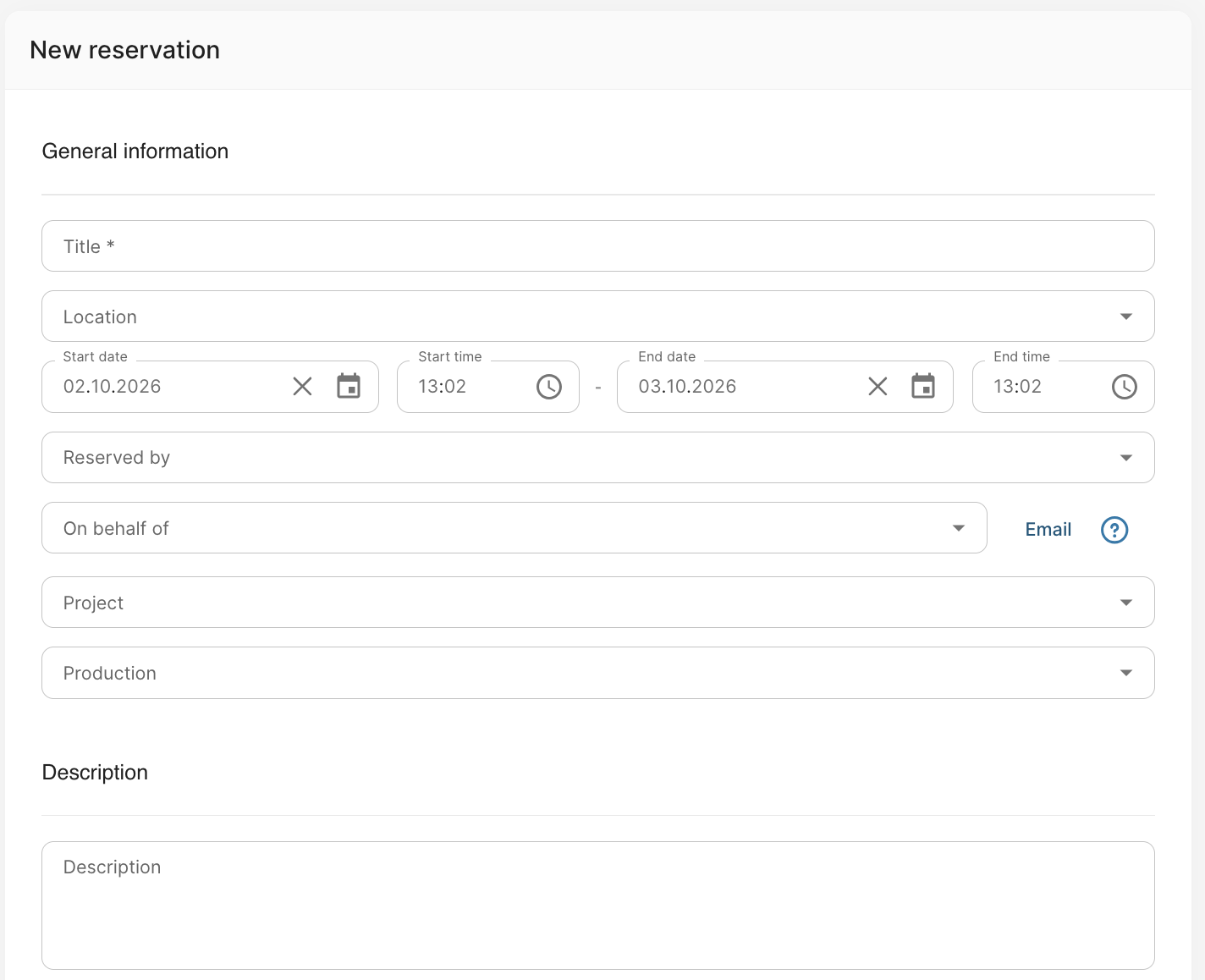
How the widget works
- Fill in the reservation's information in the widget's fields.
- Save the reservation with either of the buttons:
- The Create button creates the reservation without items. You can add the items later.
- Save and add items creates the reservation and takes you straight to adding equipment to it.
For more detailed instructions: Creating a new reservation